Features How it works Plans FAQ
English Español Français Italiano 中文
Download
Free on the Mac App Store

Your brain,
but organized.

Organize your notes and projects, solo or with your team. Simple, intuitive, and powerful — everything you wished other note apps could do.
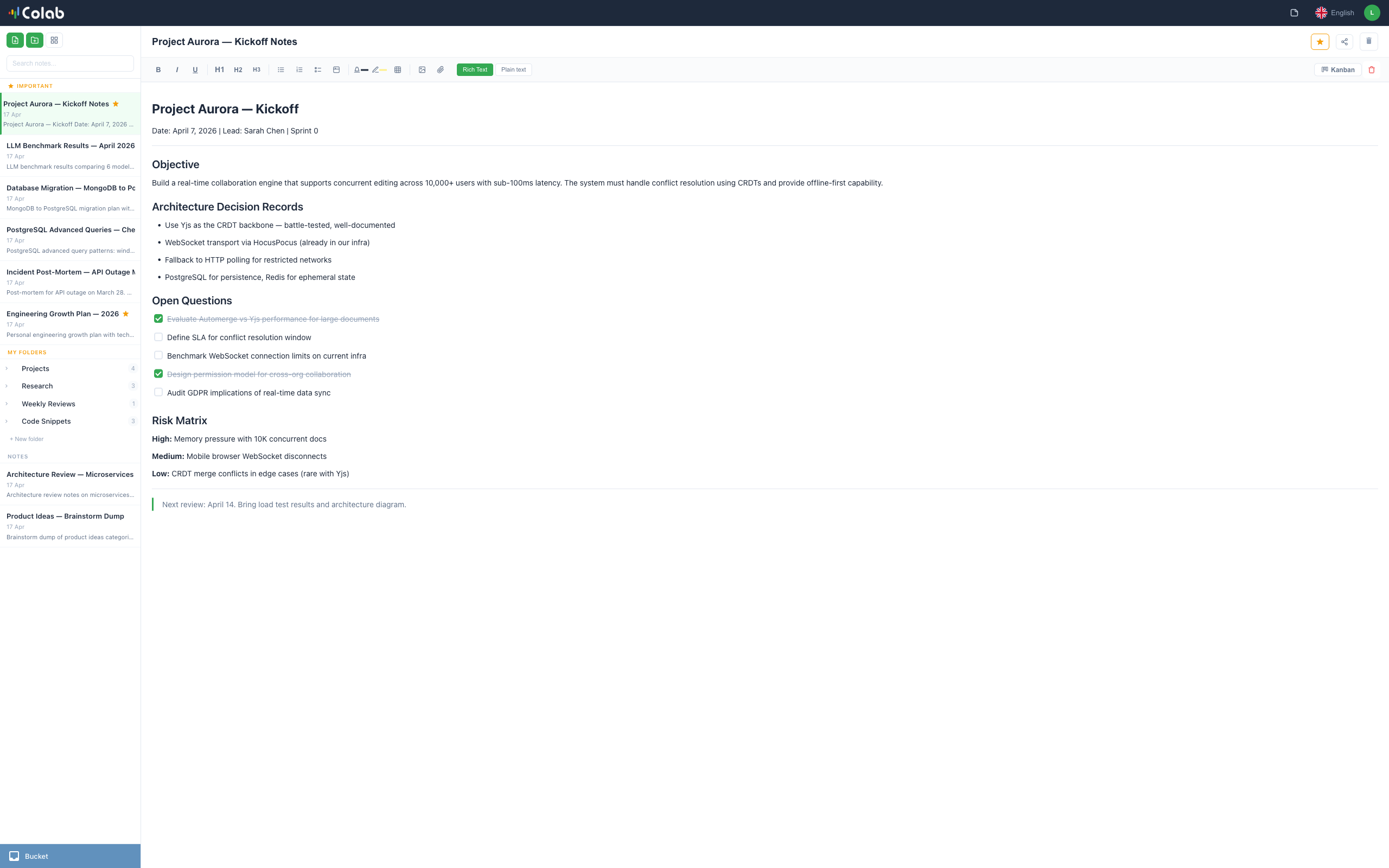
Pilot Colab rich text editor showing a project note with checklists, headings, formatted text, and folder sidebar navigation

Everything you need. Nothing you don't.

A clean interface that gets out of your way. Organize with folders, write with a powerful editor, collaborate in real time, and let AI help you find anything.

Pilot Colab rich text editor with formatting toolbar showing bold, italic, headings, checklists, tables, and image insertion options

Rich text editor with checklists, tables, images, and slash commands.

Write the way you think.

A rich text editor that feels natural. Bold, italic, headings, checklists, tables, images, file attachments, code blocks — all accessible from the toolbar or with a quick / slash command. Inline tasks with assignees, due dates, and priority levels.
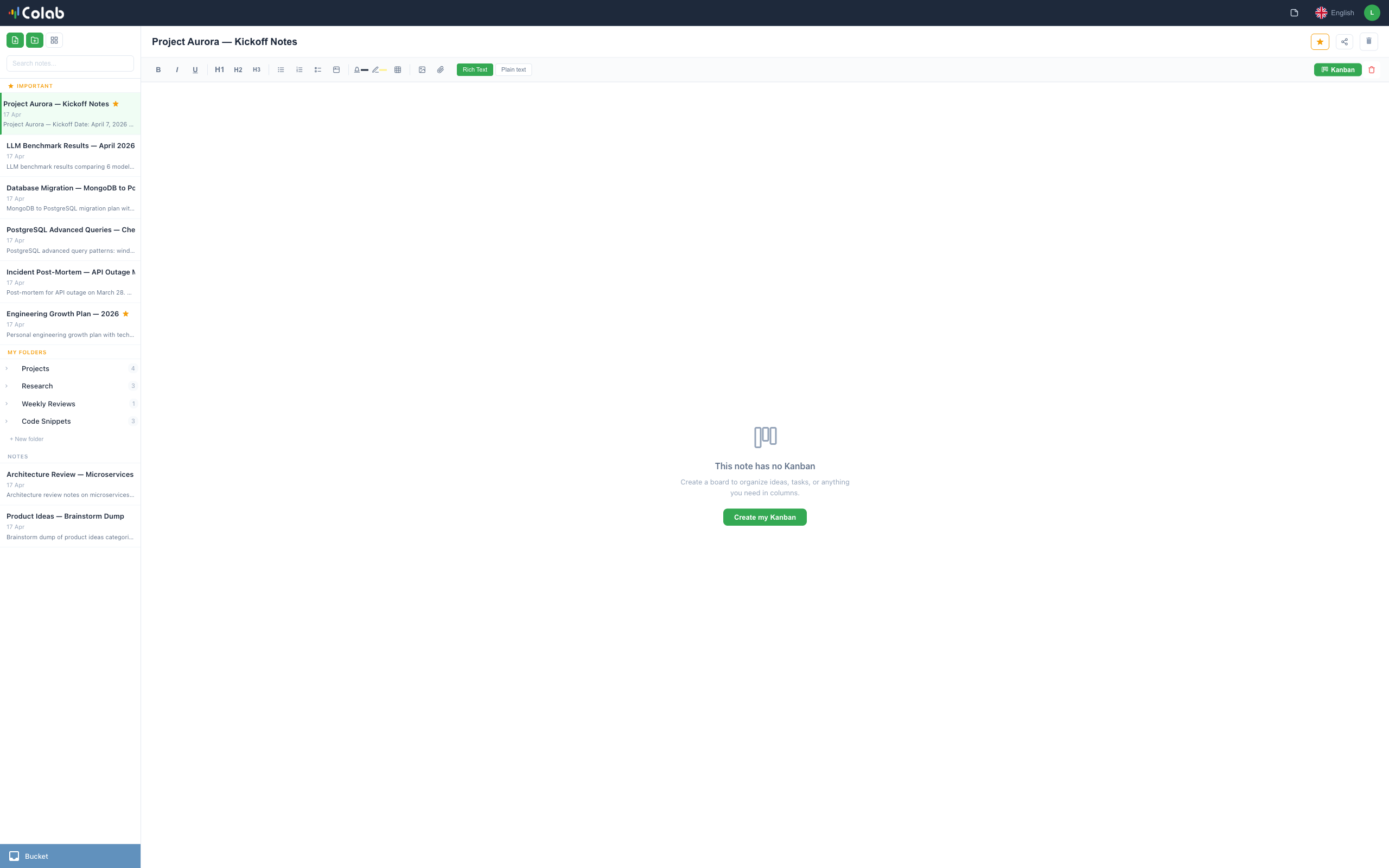
Kanban board inside a Pilot Colab note with draggable cards organized in color-coded columns for project management

Kanban boards live inside any note — drag, organize, assign.

Notes that become projects.

Any note can have a kanban board. Create columns, add cards with descriptions and assignees, drag to reorder. Your ideas naturally evolve into structured action items without leaving your notes.
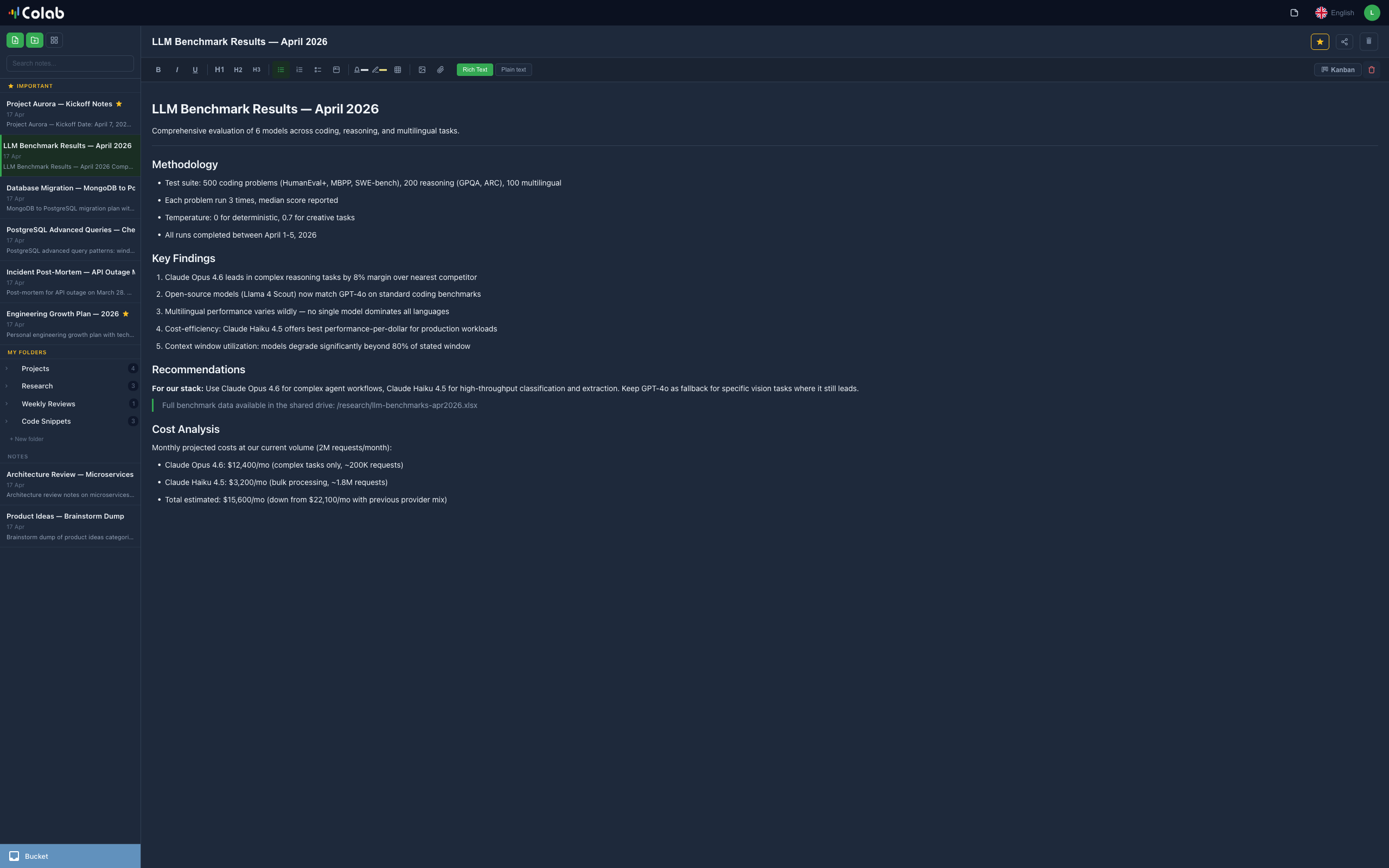
Pilot Colab in dark mode showing a technical note with sidebar navigation and full formatting in a dark theme

Dark mode for focused late-night sessions.

Light or dark. Your call.

Switch between light and dark themes instantly. Multiple color themes available. Your workspace adapts to your preference — whether you work in daylight or burn the midnight oil.

Powerful under the hood. Simple on the surface.

📁

Folders and organization

Nested folders with custom icons. Drag notes between folders, star your favorites, filter by tasks or events. Find anything in seconds.

🎤

Voice notes with AI

Record voice memos directly in the app. AI transcribes them automatically and tags tasks, events, and important items — so nothing falls through the cracks.

🤝

Real-time collaboration

Share notes with your team and edit together in real time. See who's connected, invite anyone by email. Changes sync instantly across all devices.

Tasks and assignments

Create tasks inline with /task. Assign to teammates, set due dates and priority. Tasks live inside your notes — no separate app needed.

🌐

5 languages

Available in English, Spanish, French, Italian, and Chinese. Switch anytime from the toolbar. The entire interface adapts instantly.

🔒

Works offline

The Personal Local tier works without internet. Your notes stay on your Mac — no account, no cloud, no compromise. Your data, your rules.

Start free. Scale when ready.

Three tiers designed to grow with you — from personal notes to full team collaboration.

Personal
Local
Your notes, only on your Mac. No account needed.
  • Rich text notes
  • Folders and organization
  • Voice recording
  • Unlimited notes
  • Works offline
Download free
Recommended
Personal
Cloud
Sync across devices. Collaborate with others.
  • Everything in Local
  • Cross-device sync
  • Real-time collaboration
  • Share with collaborators
  • Note templates
Create free account
Professional
Pilot
For teams. All Pilot Desk tools integrated.
  • Everything in Cloud
  • Unlimited collaboration
  • AI assistant
  • Auto classification
  • Audio transcription
  • Integrated tasks
Learn about Pilot

Common questions answered.

What is Pilot Colab?
Pilot Colab is a collaborative note-taking app for Mac that lets you organize notes and projects with rich text editing, kanban boards, voice memos with AI transcription, and real-time collaboration. It's available for free on the Mac App Store.
Is Pilot Colab free?
Yes. All three tiers — Personal Local, Personal Cloud, and Professional — are free to use. No credit card required. The Local tier doesn't even need an account.
Does Pilot Colab work offline?
Yes. The Personal Local tier works completely offline with no internet connection. Your notes are stored only on your Mac. Cloud and Professional tiers require internet for syncing and collaboration.
How does real-time collaboration work?
In Cloud and Professional tiers, you can share notes with teammates by email. Multiple people can edit the same note simultaneously, with changes syncing in real time through a secure WebSocket connection.
What AI features does Pilot Colab have?
Pilot Colab includes AI-powered voice transcription that converts voice memos to text and automatically tags them as tasks, events, or important items. The Professional tier adds an AI assistant that helps you search and organize your notes.
What languages does Pilot Colab support?
Pilot Colab is available in 5 languages: English, Spanish, French, Italian, and Chinese. You can switch languages anytime from the app's toolbar.

Ready to organize your brain?

Download Pilot Colab for free. No credit card, no signup required for the Local tier.

Download for Mac